Remove Onedrive From Carousel, Flex, SX and legacy Units
Last Updated:February 7, 2026
Symptoms
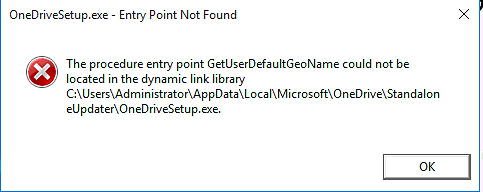
If you see this error, the following steps can resolve this issue as this arises from a compatibility problem with Onedrive running on LTSC/LTSB builds of Windows.
STEP 1
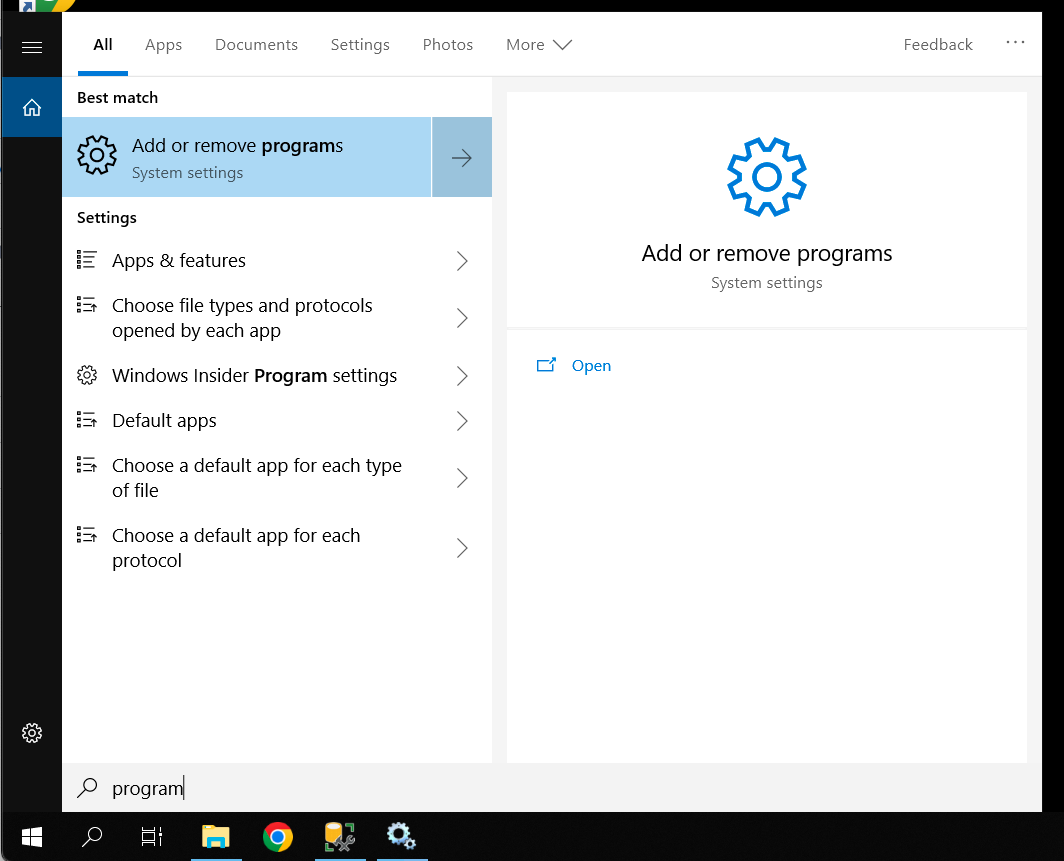
Search for Add and Remove Programs in Windows search
STEP 2
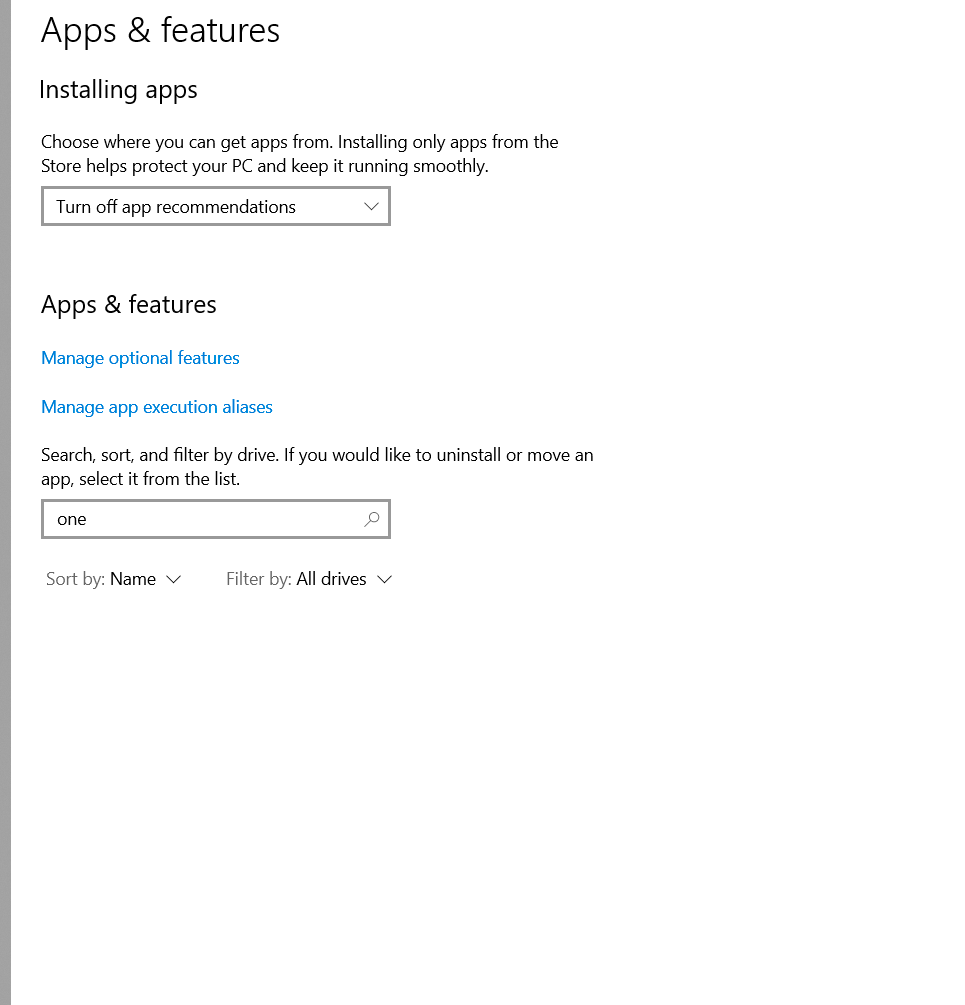
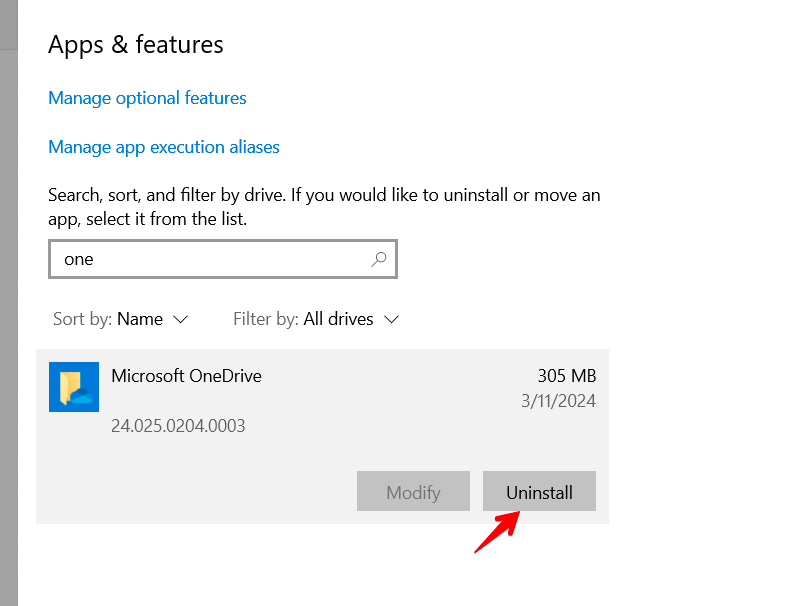
Search for OneDrive in the Apps & Features menu
Click "Uninstall"
Proceed through any prompts
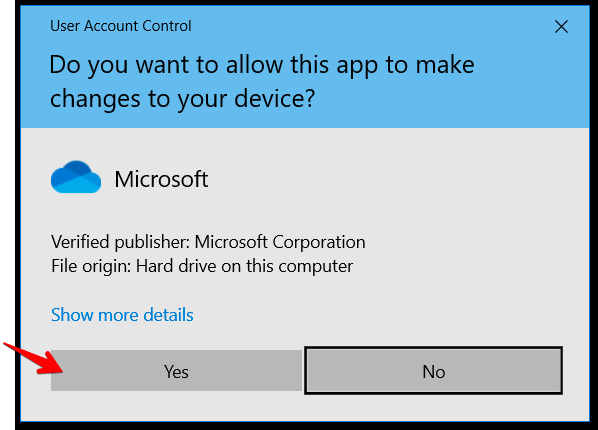
Click yes on the UAC prompt
STEP 3
Verify one drive is uninstalled, no confirmation will appear when it is removed. The best way is to check if it still appears in the Apps & Features menu