MediaScribe Voice
MediaScribe Voice uses voice synthesis to enable attendees to hear real-time voice translations of events.
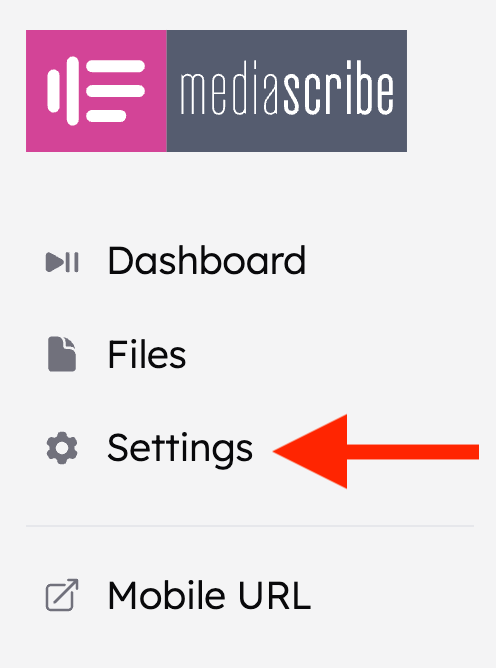
To enable MediaScribe Voice, navigate to Settings in the left-hand menu.
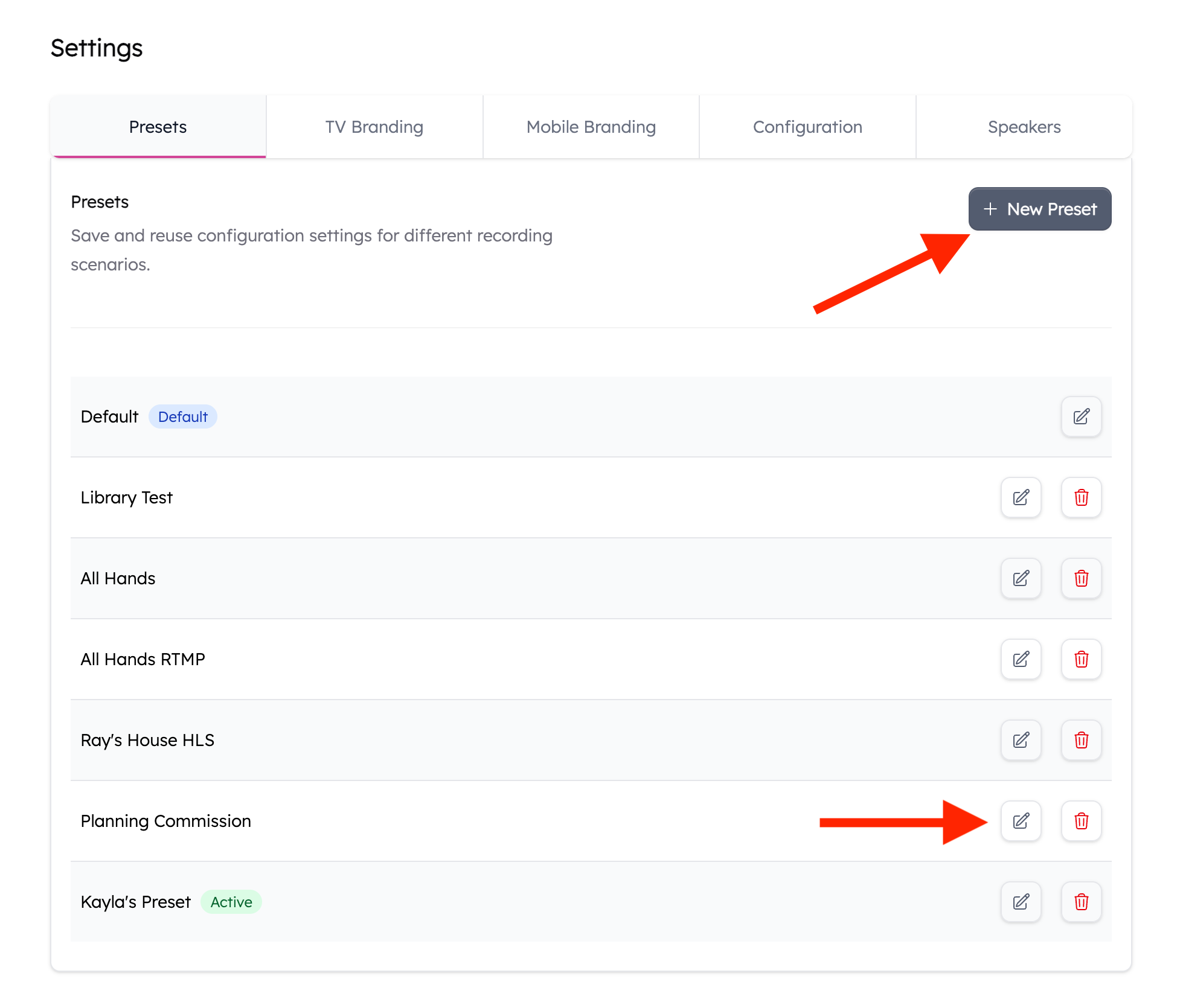
Edit the preset that you want to enable Voice on by clicking the pencil icon to the right of the preset name, or create a new preset to apply it to by clicking + New Preset at the top right of the Settings page.
Click on the Languages tab. Select your source language. In the Translations section, you can choose up to 8 languages to translate captions to. If you click the speaker toggle to the right of the language, that will enable Voice on those languages.
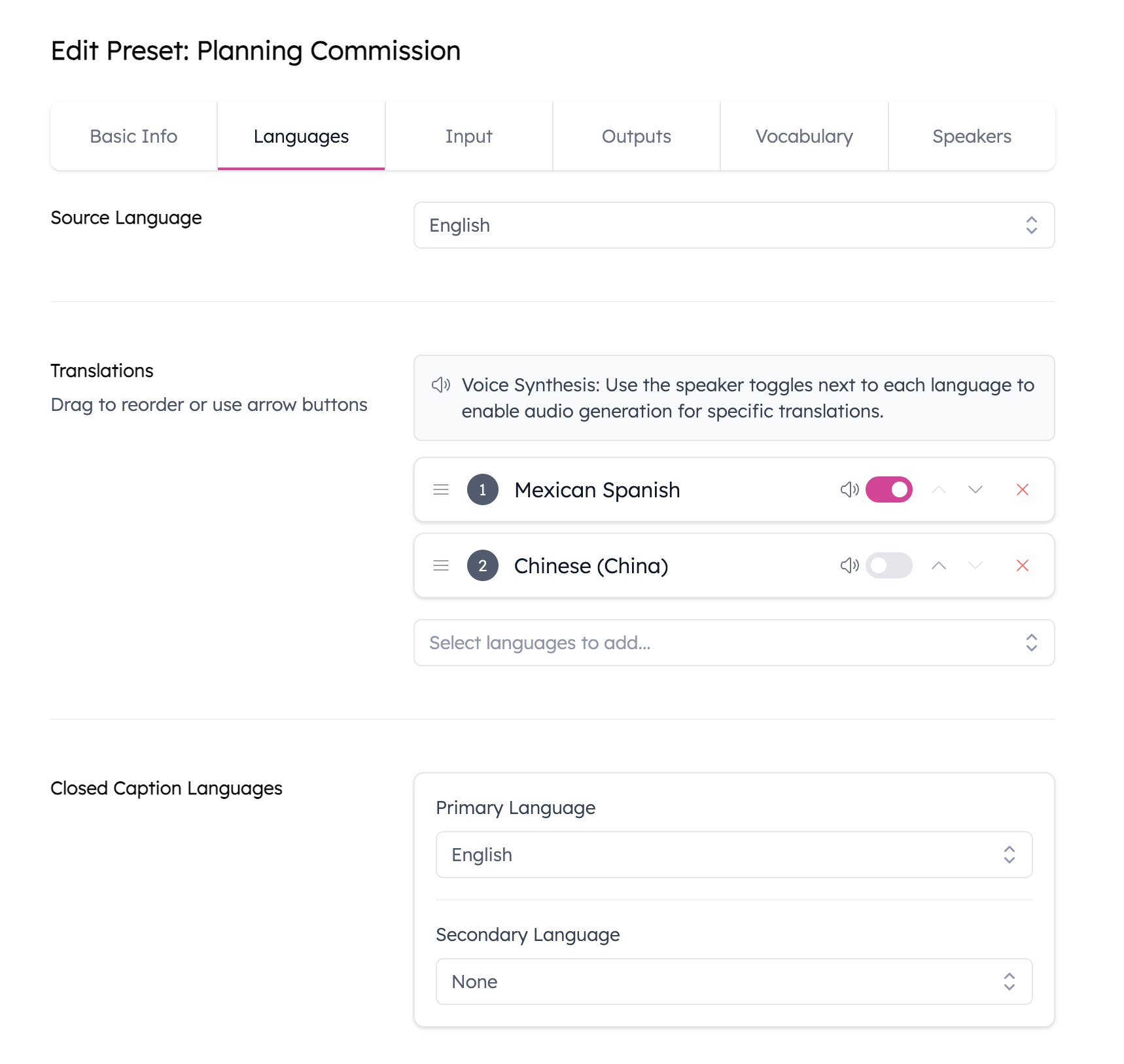
The translations configured here will always be generated when the preset is used with an event and will be billed against your minutes. These captions will also be output with your Closed/Open Captions on your SDI outputs and can be used for Multiple Audio Programming if you're utilizing that.
You can reorder Translation languages by clicking the three lines to the left of the language and clicking and dragging/dropping the language elsewhere in the list.
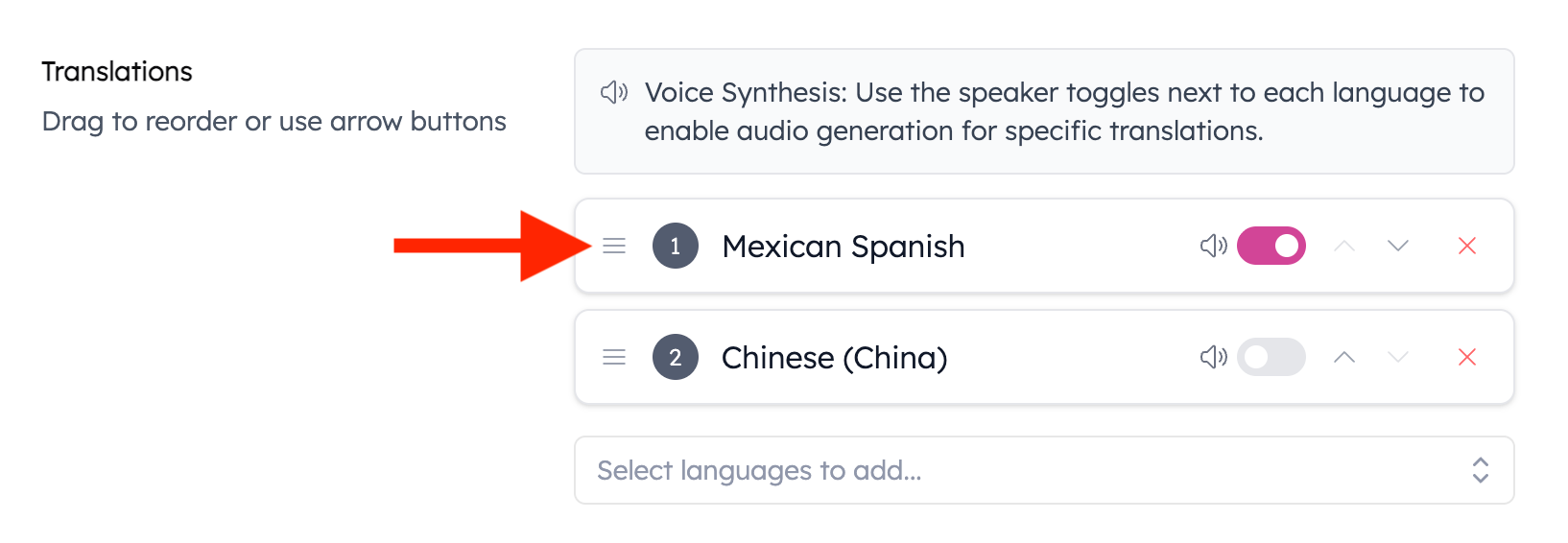
The source audio will be used for Voice when enabled on the source language.
A Note About Text Translations
In the mobile interface, users can select text in multiple languages from the Accessibility settings. If a user selects a language that isn’t included in the Translation settings, any text translated in that language will not consume additional translation minutes beyond the languages already configured there. Users can enable Voice only for languages that have been added in the settings.
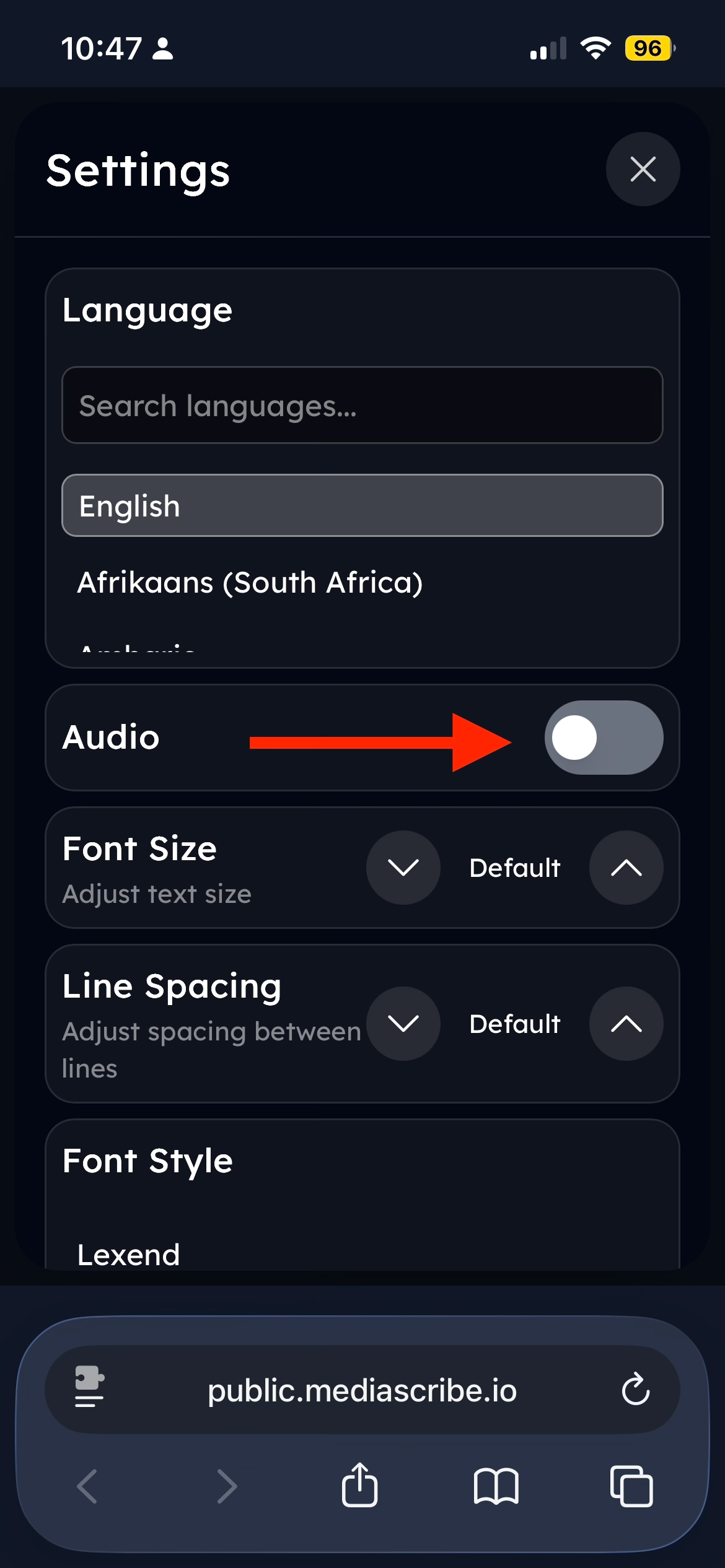
To enable Voice, tap the Accessibility Settings icon from the MediaScribe UI on your mobile device.
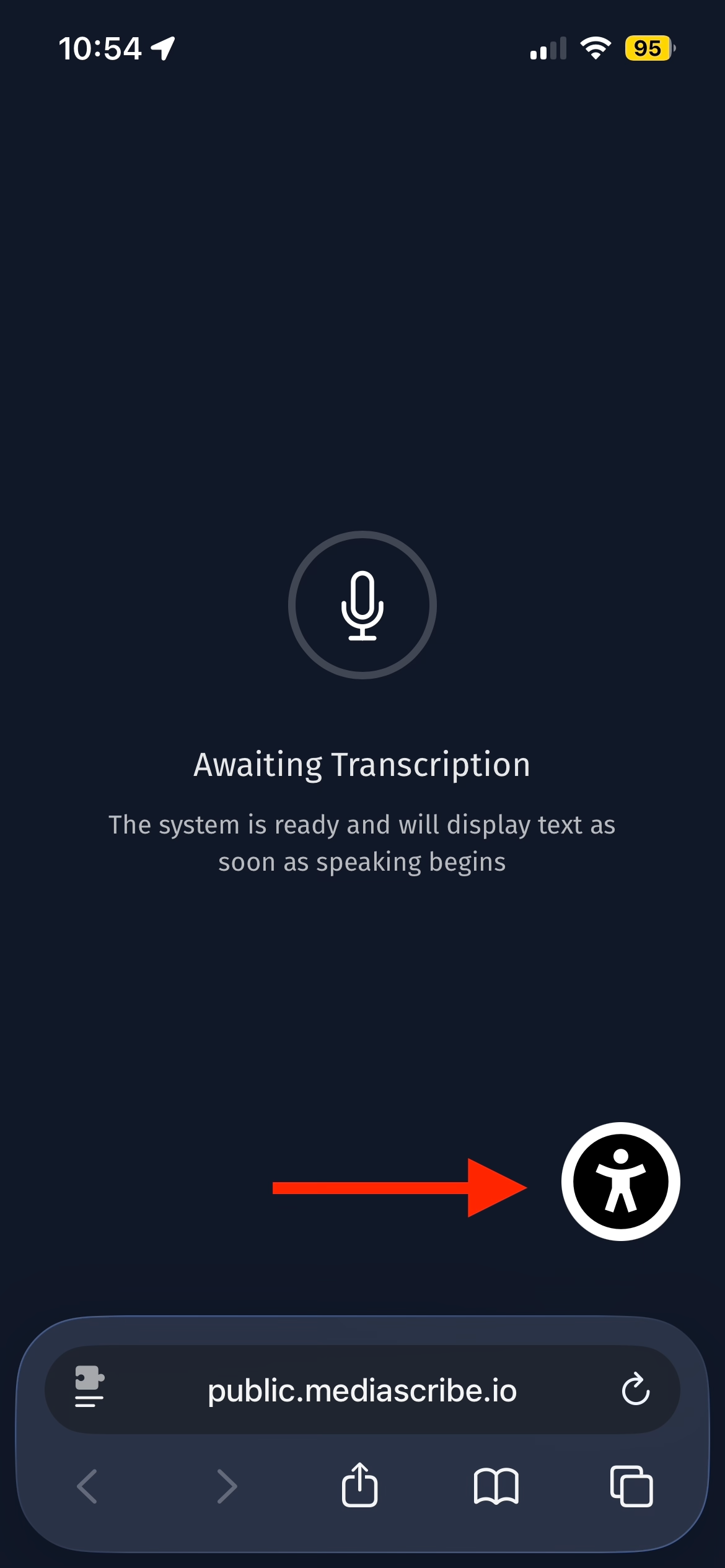
Users can toggle Audio on/off as well as select other languages for text translations, adjust the font size and line spacing, and adjust the contrast of the interface.