Checking your BIOS version from within Windows
Last Updated:February 7, 2026
Your computer’s BIOS version is displayed in the BIOS setup menu itself, but you don’t have to reboot to check this version number. There are several ways to see your BIOS version from within Windows, and they work the same on PCs with a traditional BIOS or a newer UEFI firmware.
To use a command, open a Command Prompt window — press Windows Key + R, type cmd into the Run dialog, and press Enter.
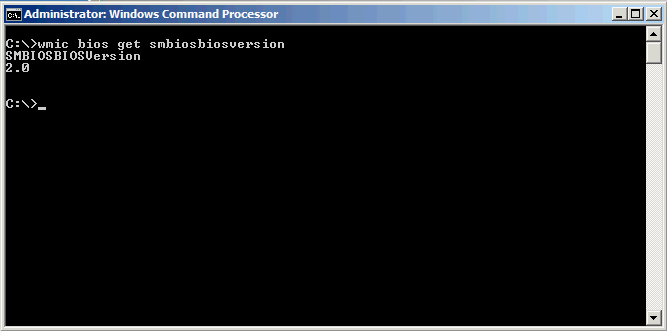
Run the following command: wmic bios get smbiosbiosversion
You will see the version number of the BIOS or UEFI firmware in your current system.